Use the free tools, no account needed
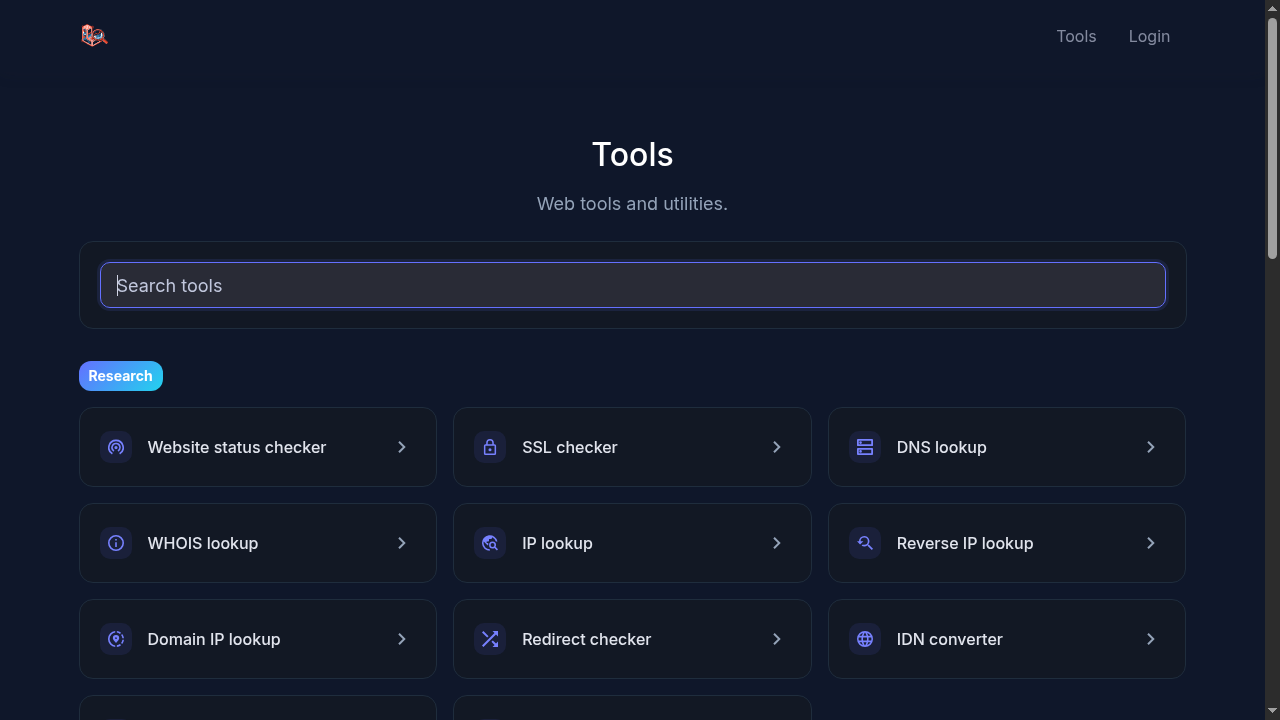
The app ships with 35 one-off tools that anyone can use straight from the browser. No signup, no API key: open the tool, paste a domain or some text, read the result.
Find a tool
Everything lives at app.laravelseo.com/tools. The search box filters the list as you type, and the tools are grouped into Research, Developer and Content.
Example: is this site down for everyone?
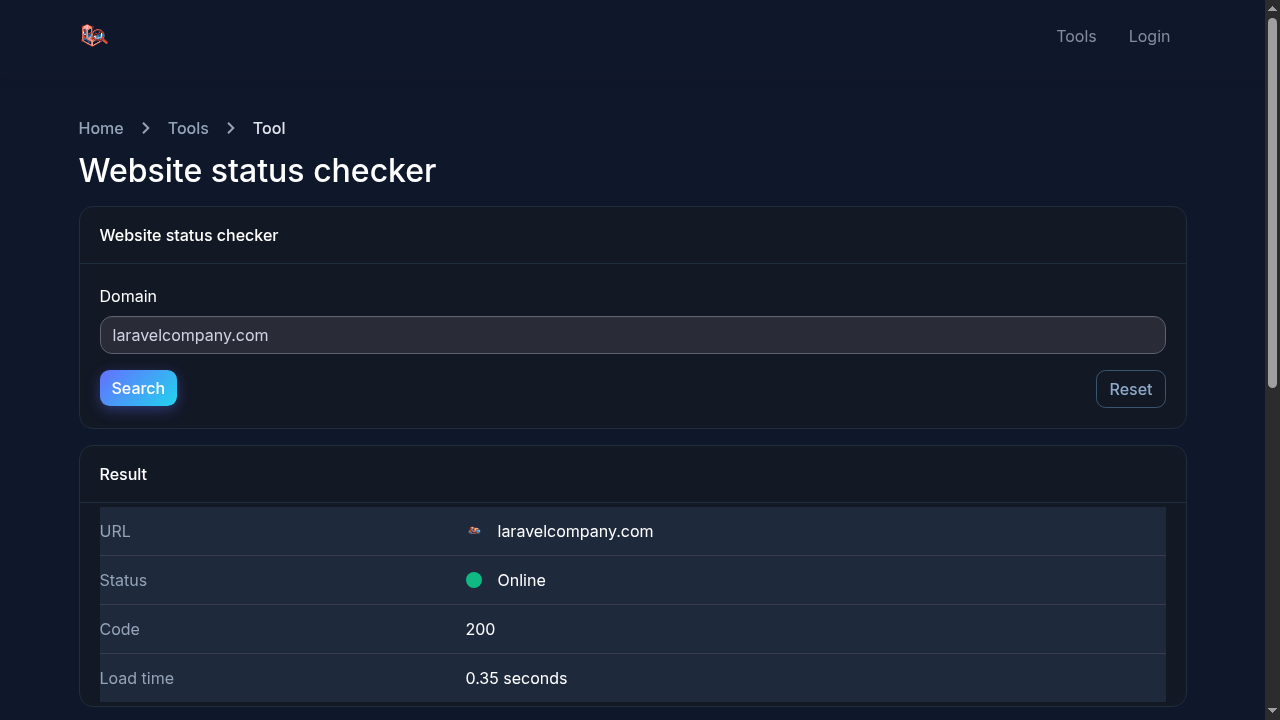
- Open the Website status checker.
- Type the domain, for example
laravelcompany.com, and press Search. - The result shows whether the site is online, the HTTP status code and how long it took to respond.
Example: check a certificate before it expires
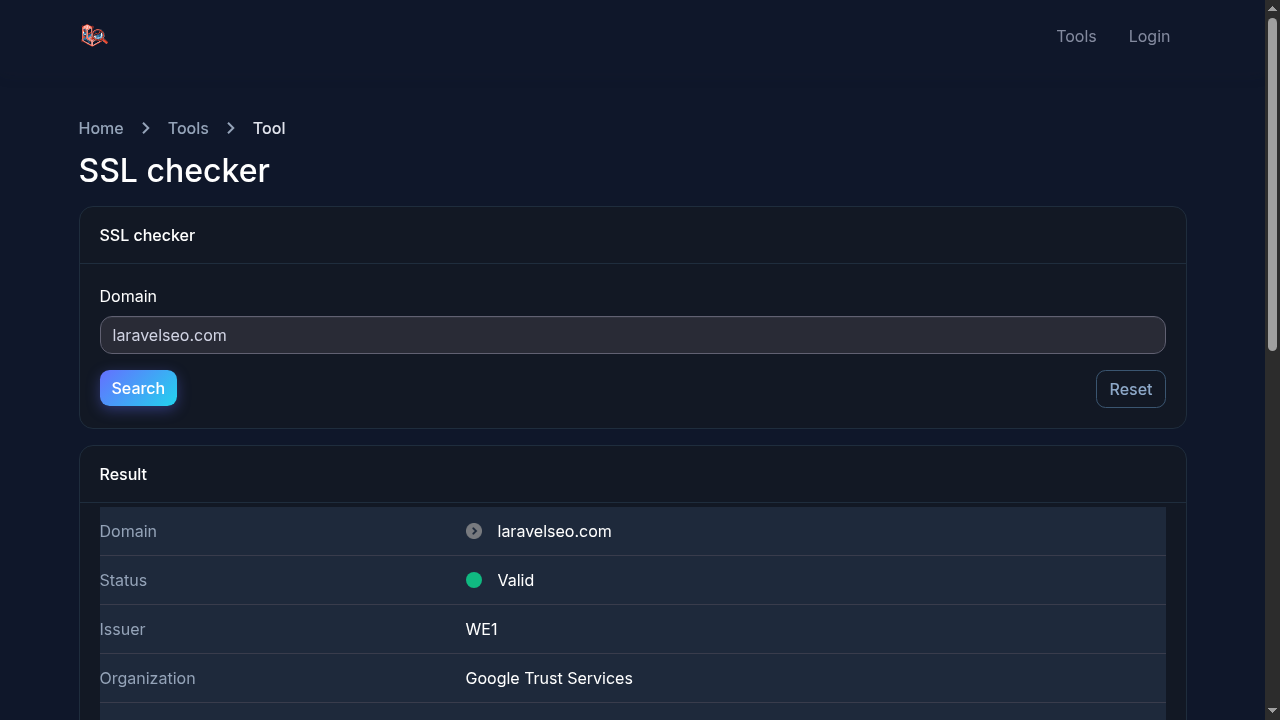
- Open the SSL checker.
- Enter the domain and press Search.
- You get the certificate status, issuer, signature algorithm and the exact issue and expiry dates.
Example: audit a page with Lighthouse
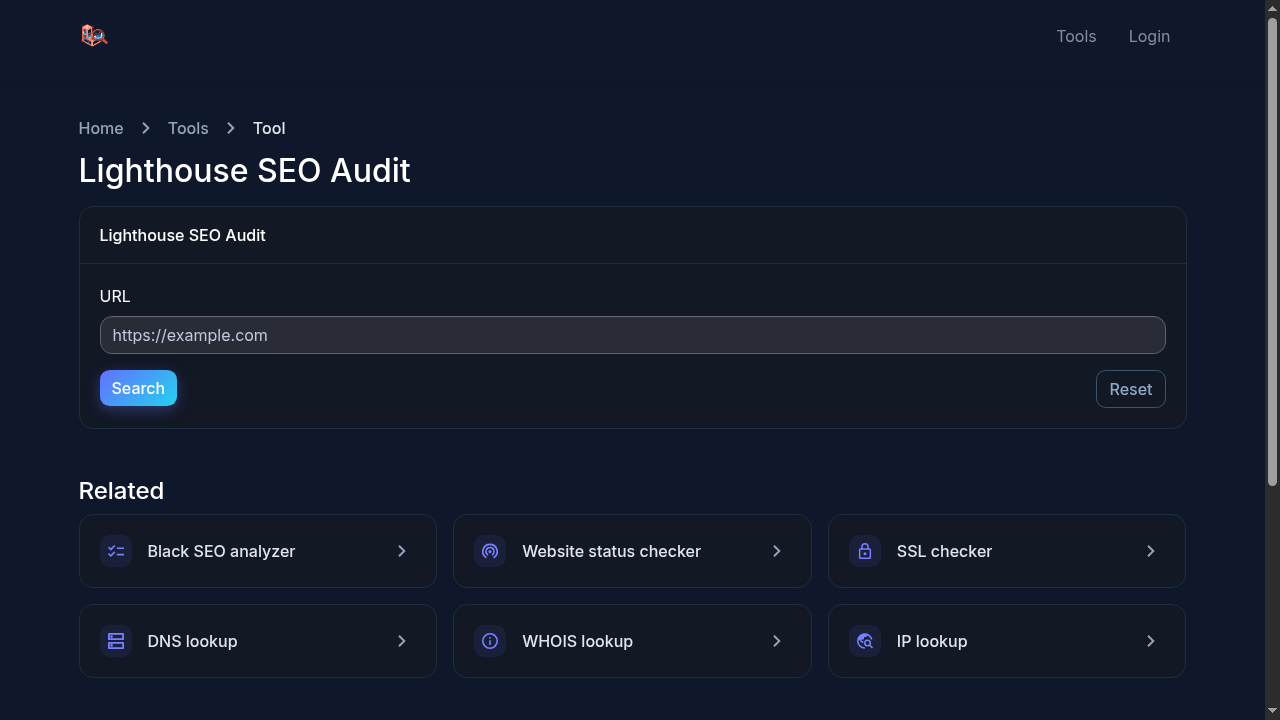
The Lighthouse SEO audit runs Google Lighthouse against any URL and returns the scores and failing audits, without you installing anything.
The rest of the toolbox
DNS, WHOIS, IP and redirect checks sit next to developer utilities (minifiers, JSON validator, UTM builder, generators) and content helpers (word counter, slug converter, case converter and more). The full list with one-line descriptions is on the tools directory.
Try it yourself
Everything in this tutorial runs in the live app.
